Control Sonos Remotely from Your Mac, Even on a VPN
Two moments where Sonos control on a Mac stops making sense: you're away from home, and you're sitting right next to your speakers with the corporate VPN on. Both are the same problem wearing different coats, and neither is something you have to accept.
5 min read
There are two moments when Sonos control on a Mac suddenly stops making sense.
The first is obvious: you’re away (at the office, traveling) and realize the speakers at home are still playing, with no way to reach them. The second is stranger. You’re sitting right next to your speakers, your work laptop connects to the corporate VPN, and the room list goes empty. Same music, same Wi-Fi, no speakers.
There is a third version of it that catches people out: tether the Mac to your phone’s hotspot and the speakers disappear too, even though they’re in the next room.
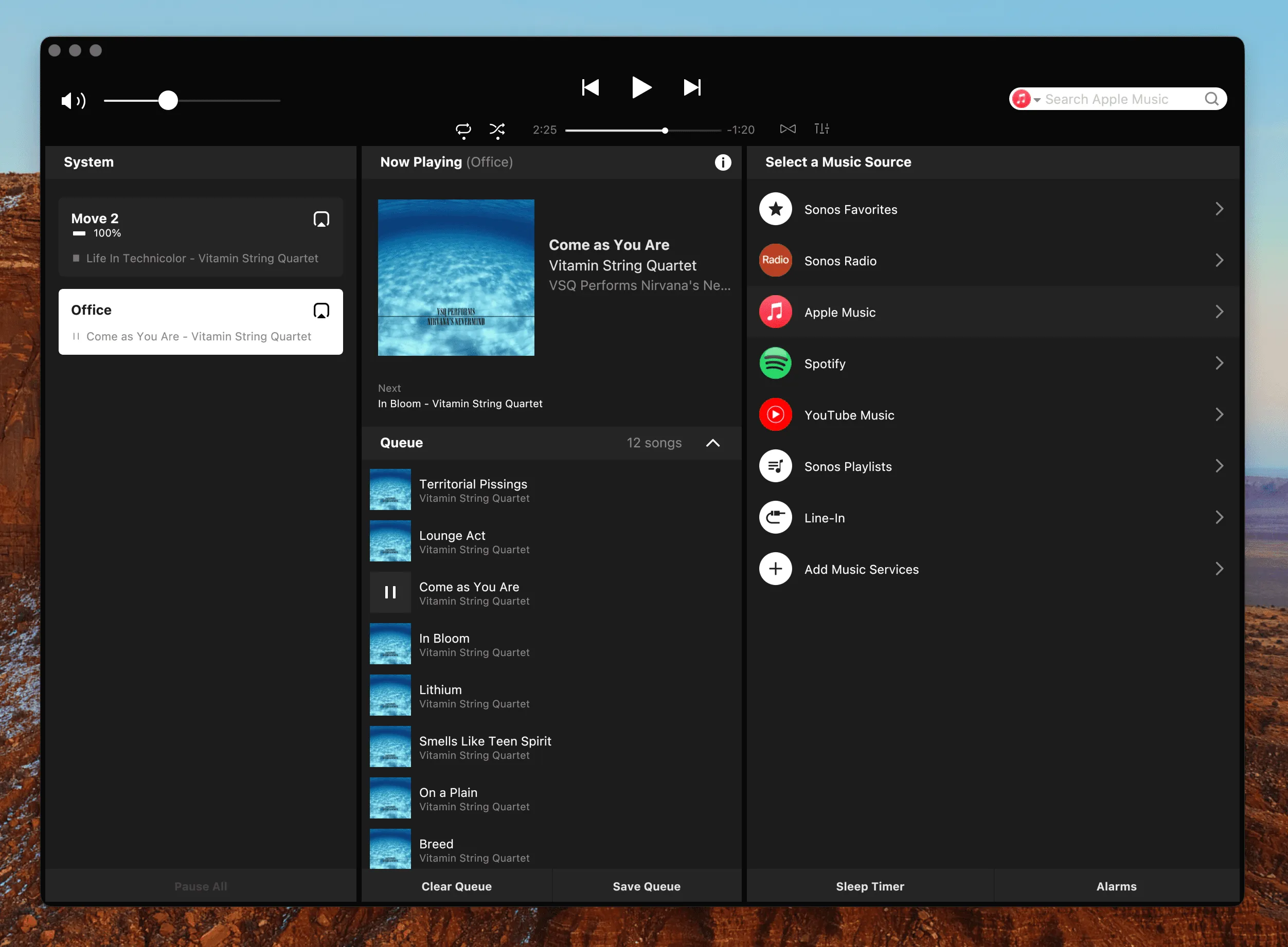
All three are the same problem wearing different coats. Sonos’s own apps are built around one assumption: that your machine and your speakers can see each other on the local network. Leave the house and that’s obviously gone. But a VPN, or a hotspot, takes it away without you going anywhere.
Why Sonos Control Breaks Off the Home Network
Being away is the simple case. The apps find and talk to speakers over your home network. From anywhere else, there is nothing to find.
The VPN is the sneaky one. The moment a full-tunnel VPN connects, your Mac is logically on your employer’s network, not your home LAN. Speaker discovery fails and the official app behaves exactly as if you’d left home, because from the network’s point of view, you have. If your VPN client supports split tunneling you can sometimes work around it; on a managed work Mac that’s rarely your call.
With working from home normal and always-on VPNs standard corporate policy, “my speakers vanish when the VPN connects” is an everyday complaint rather than an exotic one.
The phone hotspot is the same cut, made deliberately. Tether your Mac to your phone (because the home internet is down, because the Wi-Fi is misbehaving, because you’re working from a café table) and your Mac sits on a cellular network with essentially one device on it. Your speakers are not on it. Anything that finds speakers by looking around the local network comes up empty, and it happens just as readily while you’re sitting in the same room as them.
If you’re not yet sure the VPN is what’s doing it, tell it apart from a permission problem or a network split first, and see why local discovery is fragile at all.
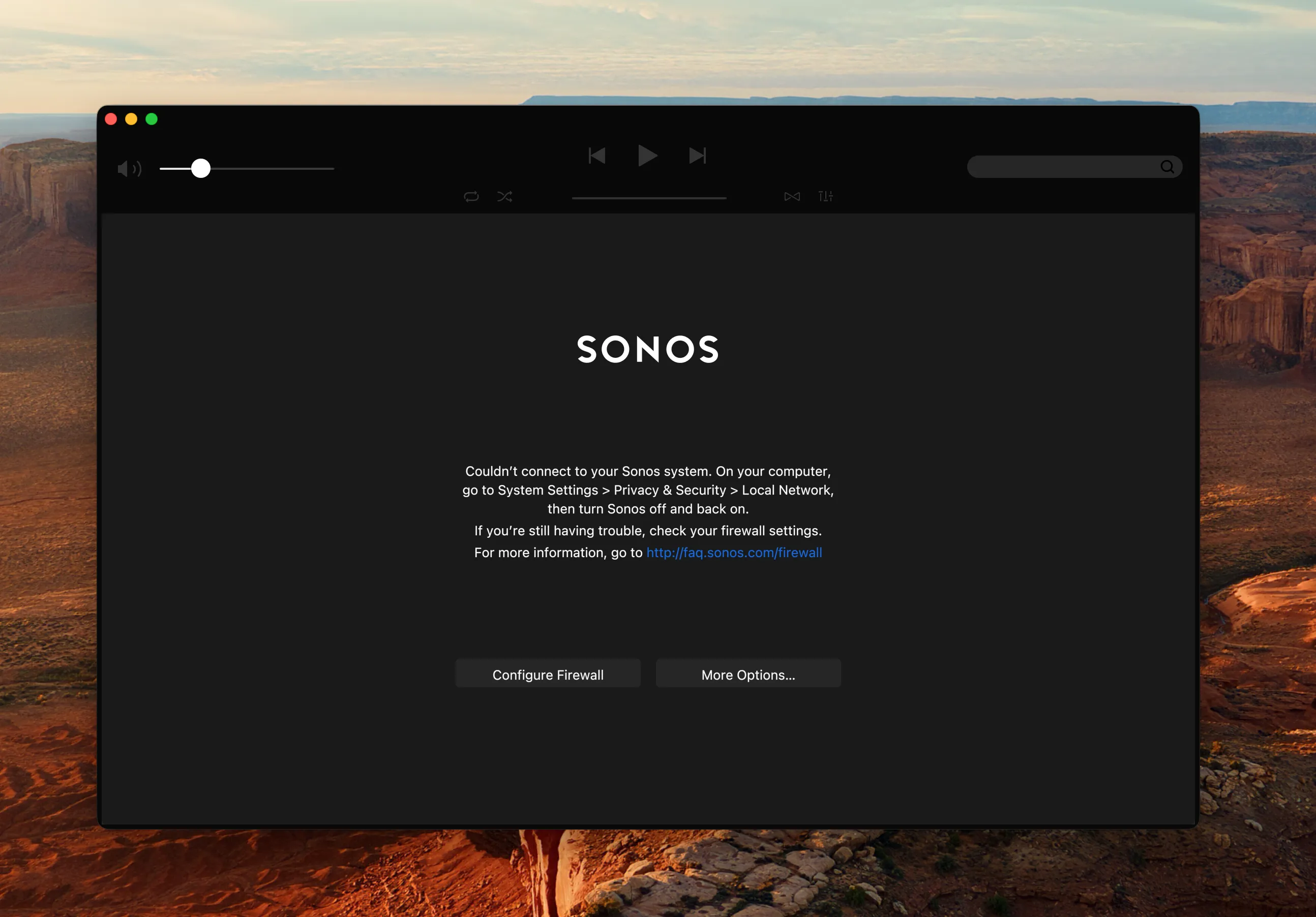
Sonos App Not Working on Mac?
It won't open, or it opens and your speakers are gone. Work through the causes in the order that actually finds the problem, from the one-toggle fix to the network split nobody thinks to check.
Read the GuideHow MBC Keeps Control, Anywhere
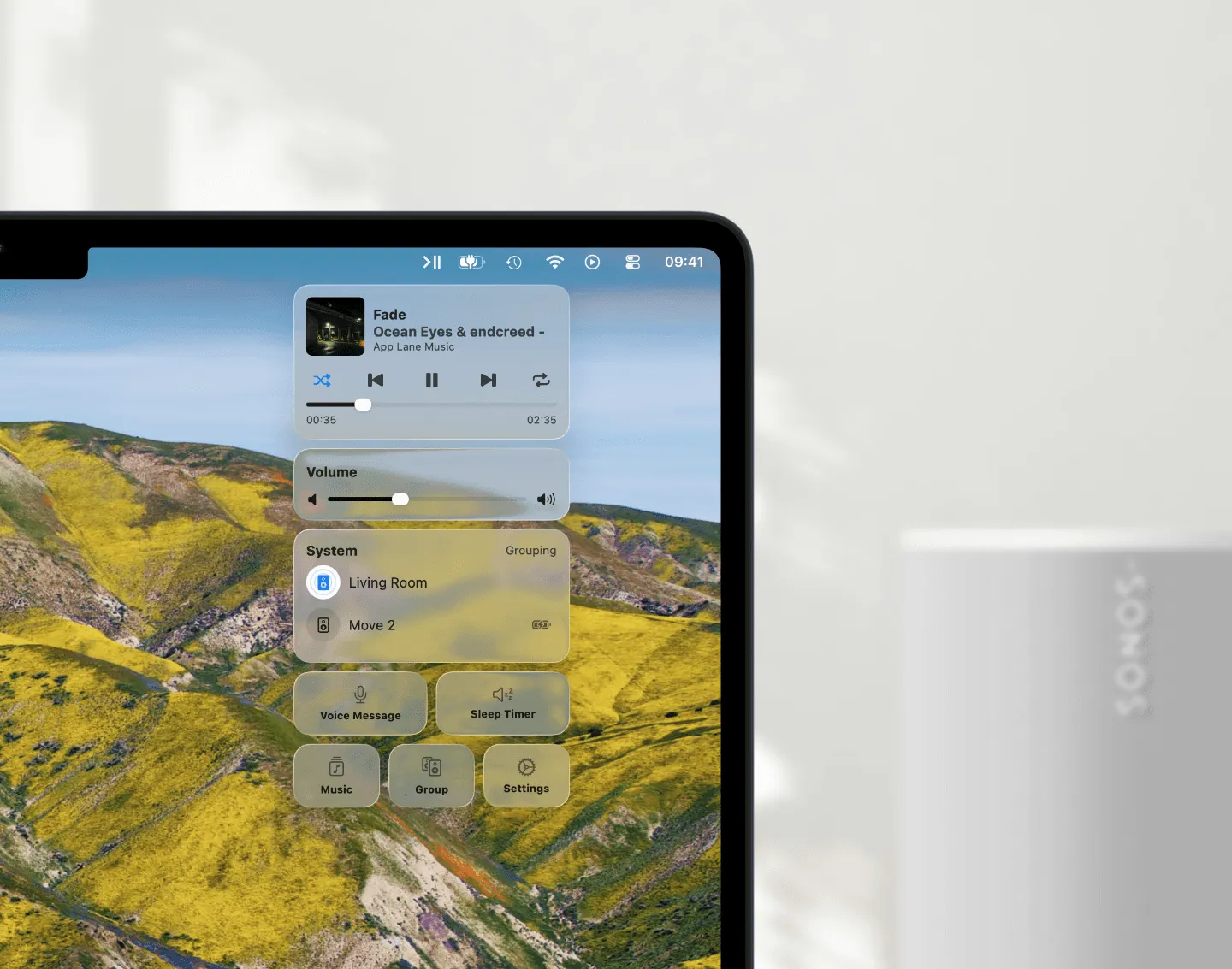
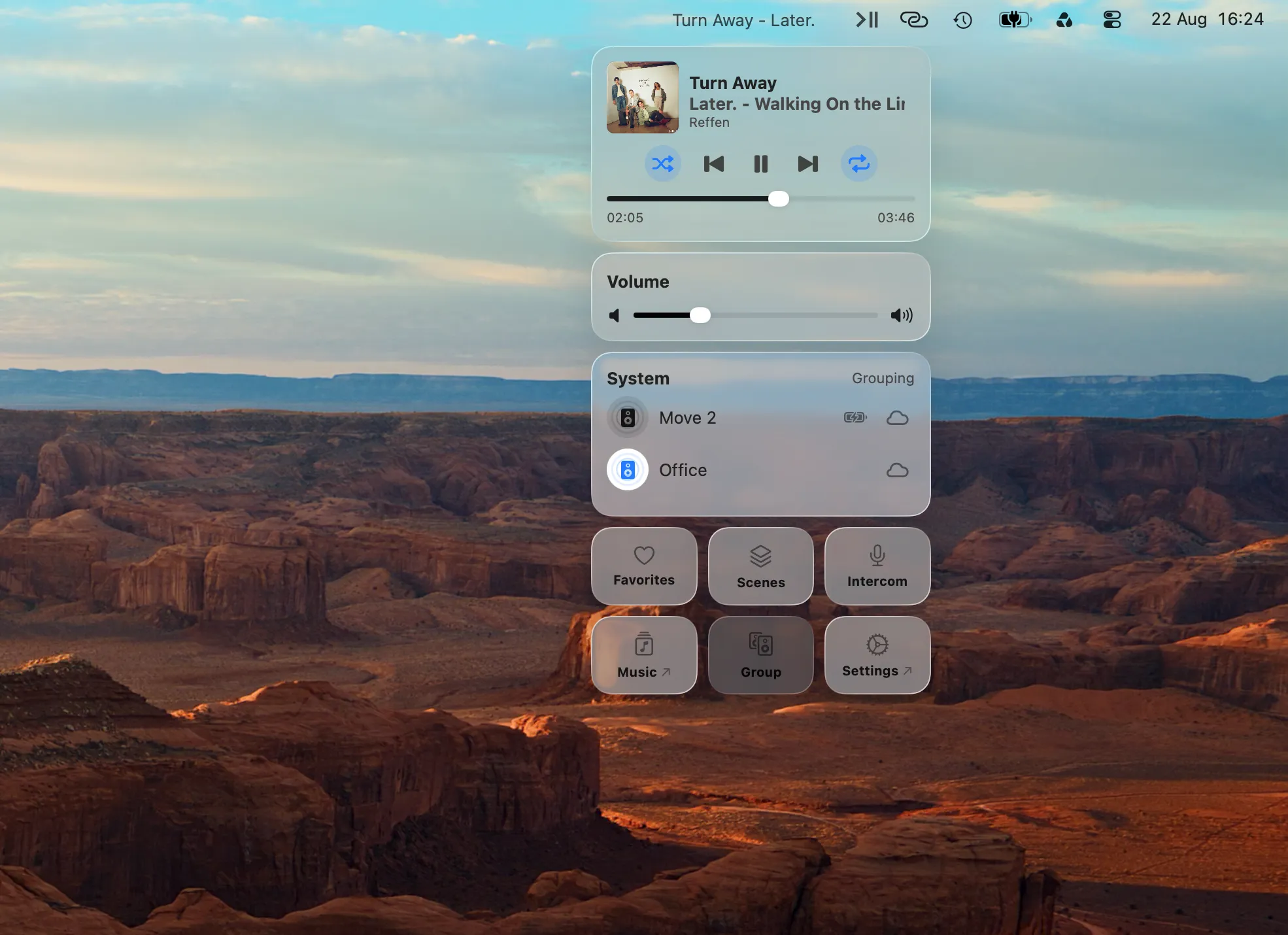
Menu Bar Controller for Sonos (MBC) talks to your system through the Sonos cloud API, using your Sonos account. Commands don’t go looking for speakers on the local network; they travel over the internet to Sonos, which relays them to your system at home. That one design decision makes both failure cases above simply not apply.
| Feature | Official desktop app Local network | MBC for Sonos Signed in, via the cloud |
|---|---|---|
| At home, on the home Wi-Fi | Works | Works |
| At home, corporate VPN connected | No connection | Works |
| Away from home entirely | No connection | Works |
| On your phone's hotspot | No connection | Works |
A VPN doesn’t block MBC because MBC never needed the local network to control your speakers in the first place; internet through the tunnel is still internet. And away from home, the same cloud path means your system is one menu-bar click away, wherever your Mac happens to be.
Your Habits Keep Working
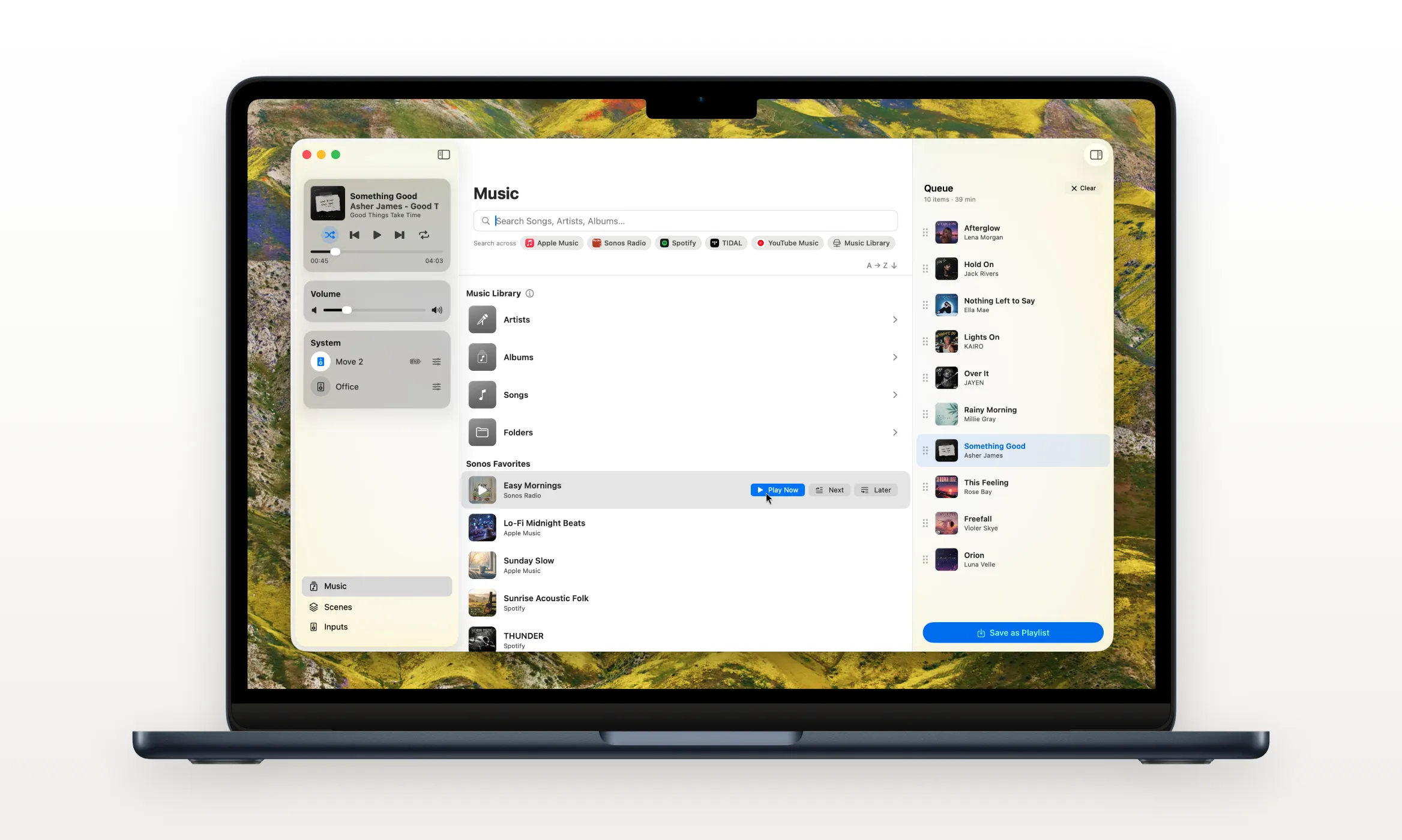
Everything you do day to day rides the same cloud path, so nothing changes when the network does: play, pause and skip, per-speaker and group volume, grouping rooms, Sonos Favorites and Playlists, music search, and your keyboard shortcuts. Pausing the house with a hotkey works the same whether the tunnel is up or you’re in another country.
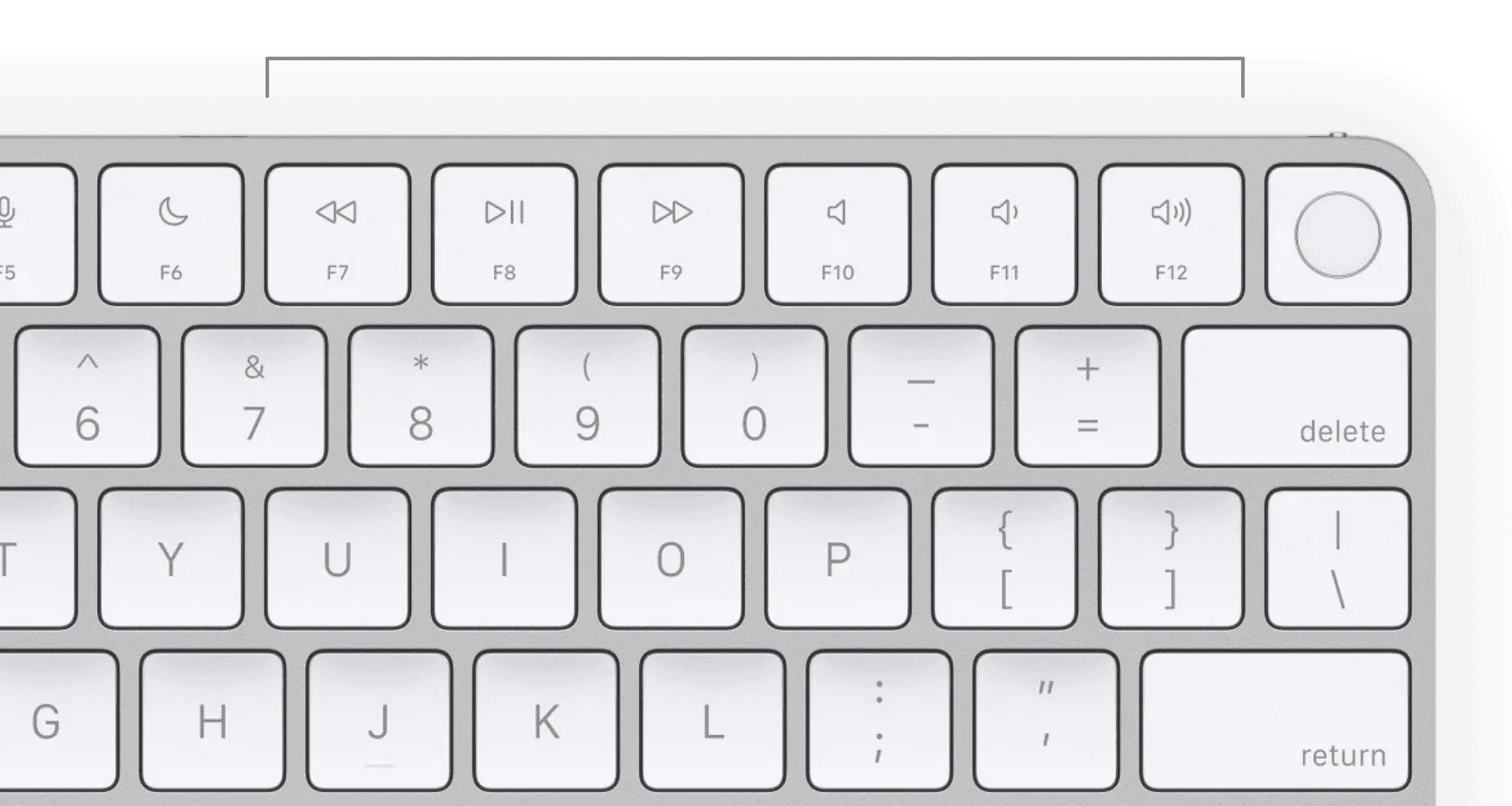
Even Intercom reaches home: record a message on your Mac and it plays on the speakers you pick.
What Still Needs the Local Network
Four things still need the local network.
- Per-speaker EQ (bass, treble, loudness) talks to the speaker directly, so it’s available at home only. Off the LAN, MBC hides those controls rather than letting them fail.
- Your own indexed music library. Browsing the files on your NAS or shared folder goes through the speaker directly rather than the cloud, so that part of the Music Library window is a home-network feature. Streaming services, Favorites and Playlists are unaffected.
- Live updates are snappiest at home, where MBC also listens to the speakers directly. On a VPN or away, everything refreshes through the cloud as you interact: a beat slower, never broken.
- Your system has to be online. If the home internet is down, no cloud can reach the speakers. Worth knowing for the hotspot case in particular: tethering because the home line died is exactly the situation MBC cannot rescue, since the speakers lost their way out at the same moment you did.
Conclusion
Sonos control that dies with a VPN connection, or at the front door, isn’t something you have to accept on a Mac. Because MBC controls your system through the Sonos cloud rather than the local network, the corporate tunnel, the hotspot and the distance all stop mattering. Your speakers stay in the menu bar, without leaving the window you’re in.
For the bigger picture on where the official desktop app is headed, see The Sonos Mac App Is Going Away.
If the official app’s network assumptions are exactly what’s been breaking for you, the fix is one download away: try Menu Bar Controller for Sonos free for 14 days, no signup required. Available on the Mac App Store. Because your Sonos system belongs in your Mac’s menu bar.