Guides
Practical solutions from the Menu Bar Controller that fix common Sonos frustrations.
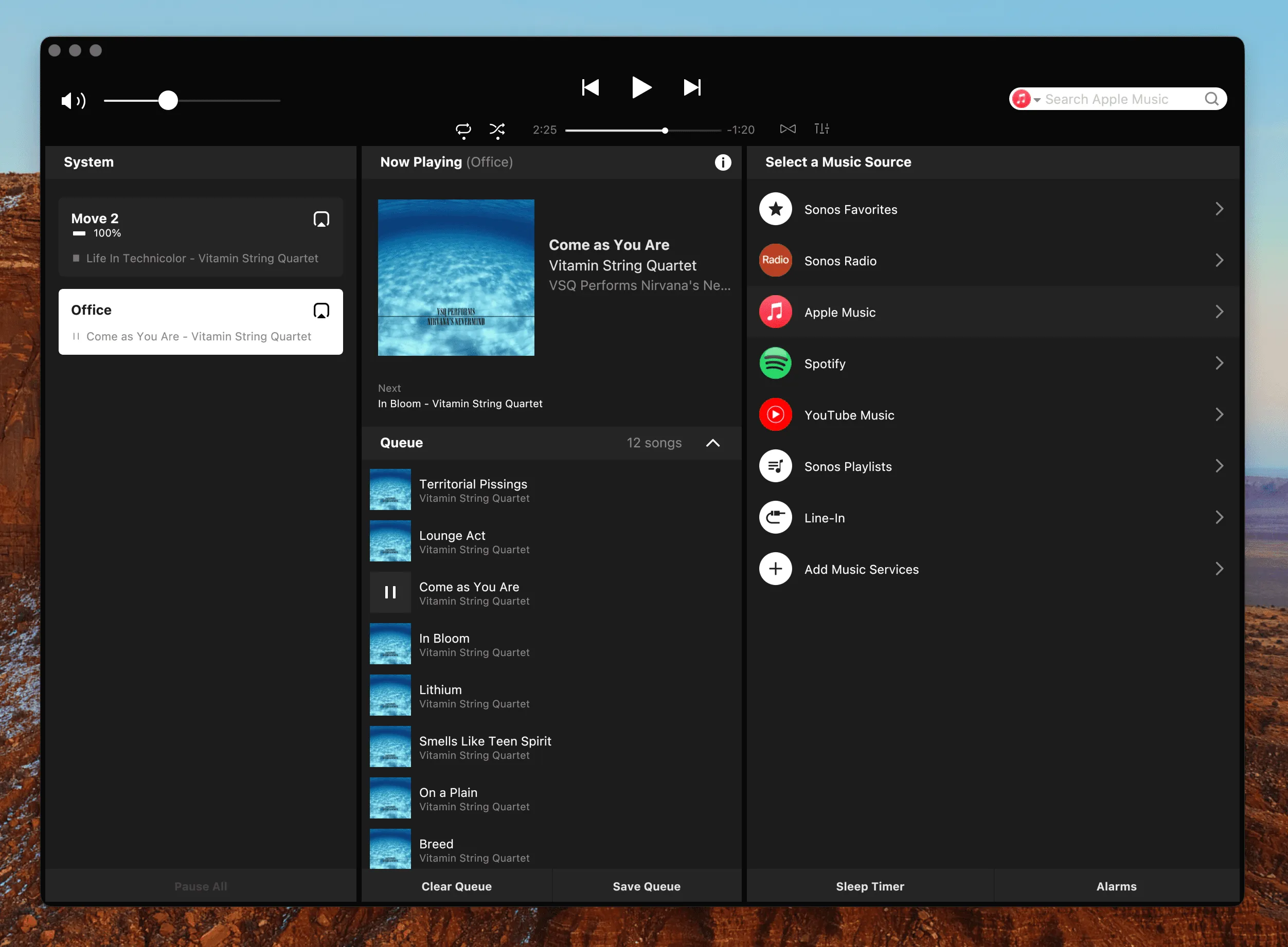
The Sonos Mac App Is Going Away
macOS now warns that the Sonos Mac app "will not open in a future release." What that means, when it actually breaks, and why your Mac can end up with a better Sonos app than the one it's losing.
Read the Guide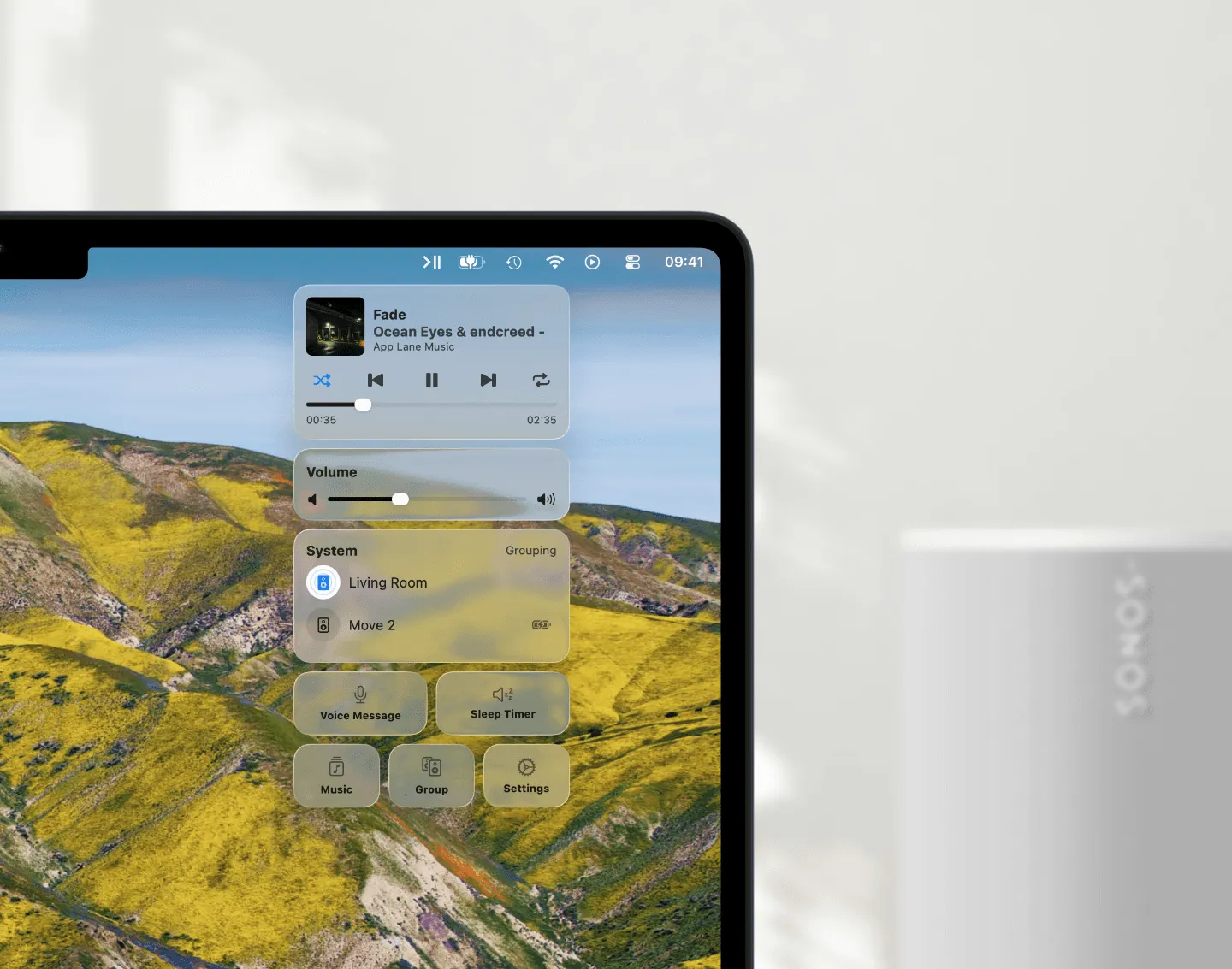
Sonos on a Mac Without the Web App
The official Sonos Web App has no keyboard support, no menu bar presence, and no macOS integration. Menu Bar Controller brings Sonos control where Mac users expect it.
Read the Guide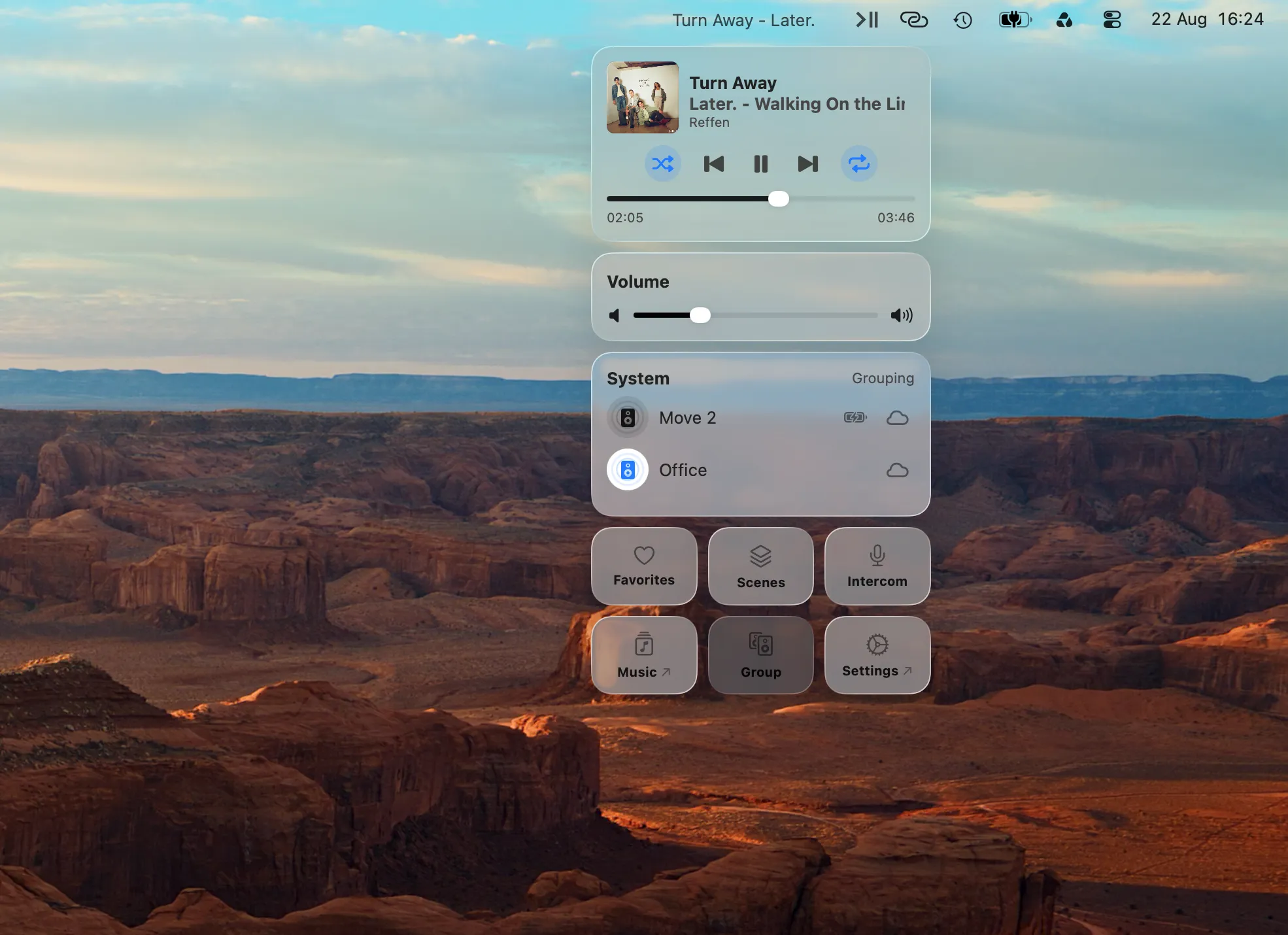
Control Sonos Remotely from Your Mac
Your speakers vanish when the work VPN connects, or when you leave the house. Both are the same problem, and it isn't one you have to accept on a Mac.
Read the Guide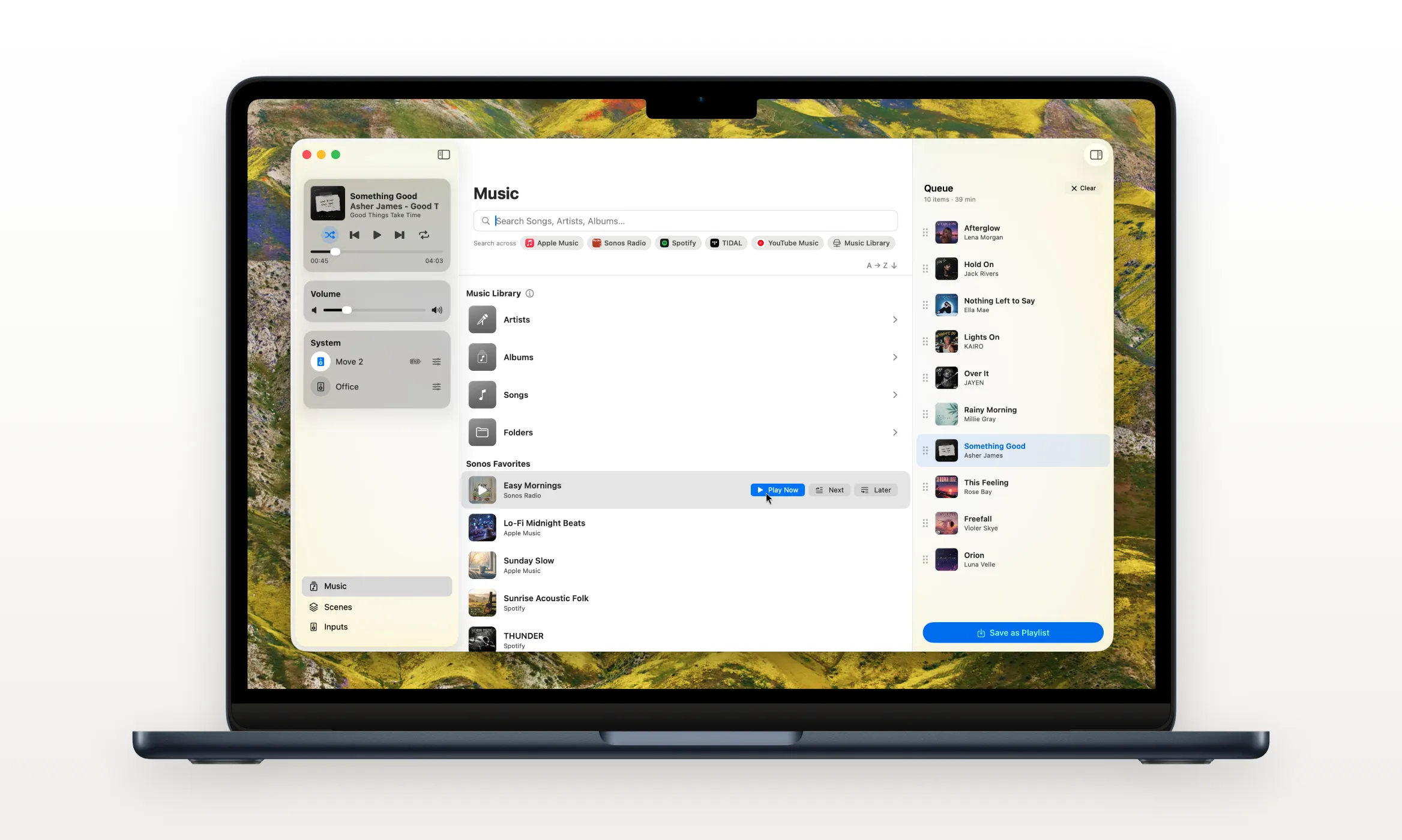
Your Own Music Library on Sonos
Your collection lives on a NAS, not in a streaming service. What Sonos can actually index, what it silently caps, and how to browse your Music Library from your Mac.
Read the Guide
Keyboard Control for Sonos on Mac
Sonos's Web App Controller ignores your keyboard's volume and media keys entirely. Menu Bar Controller fixes this with system-wide shortcuts for volume, play/pause, skip, and mute.
Read the Guide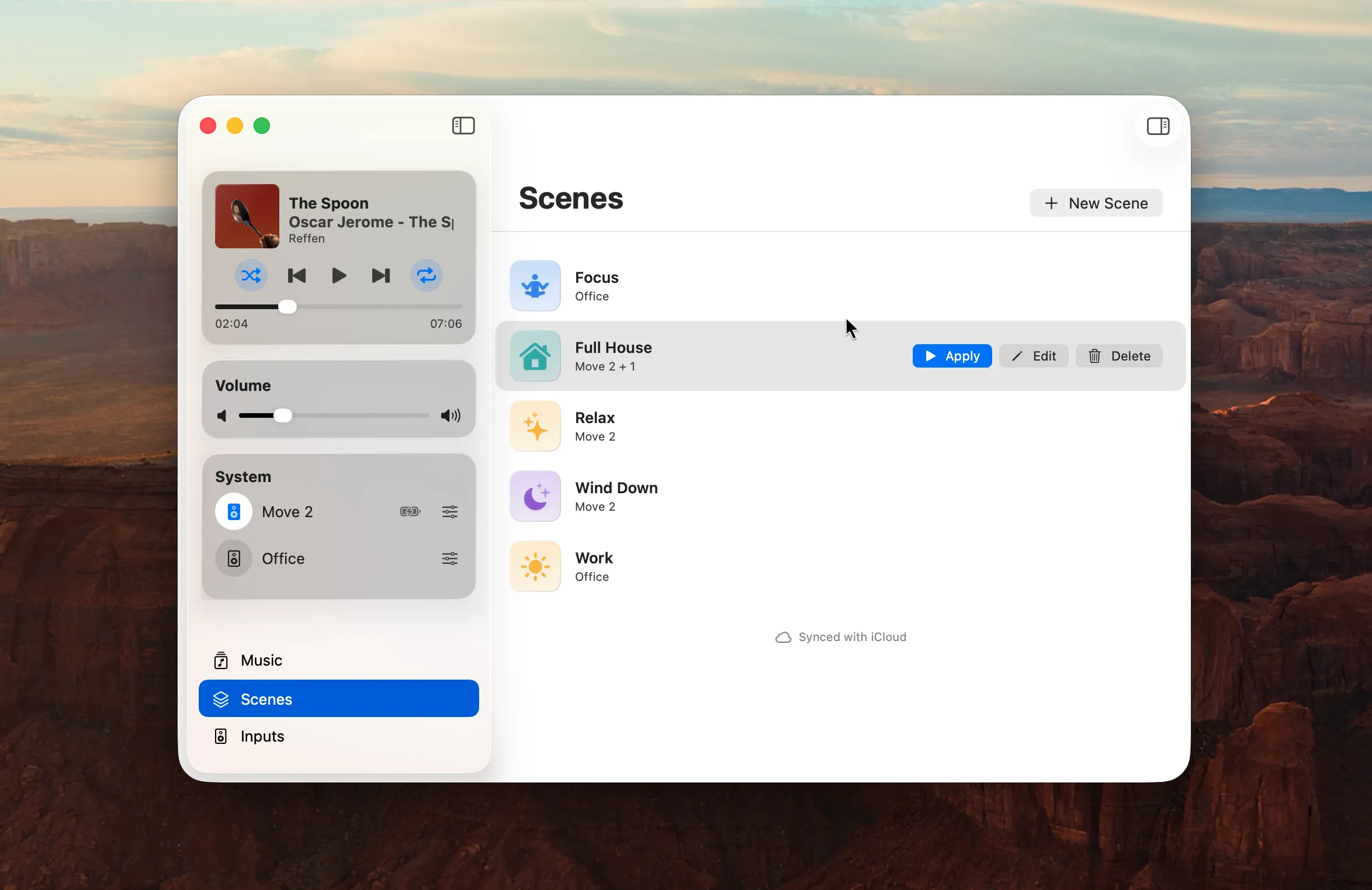
Automate Sonos from Your Mac
Grouping three speakers, setting the volumes, picking the music: the same five taps every evening. Save it once, then let a Shortcut do it.
Read the Guide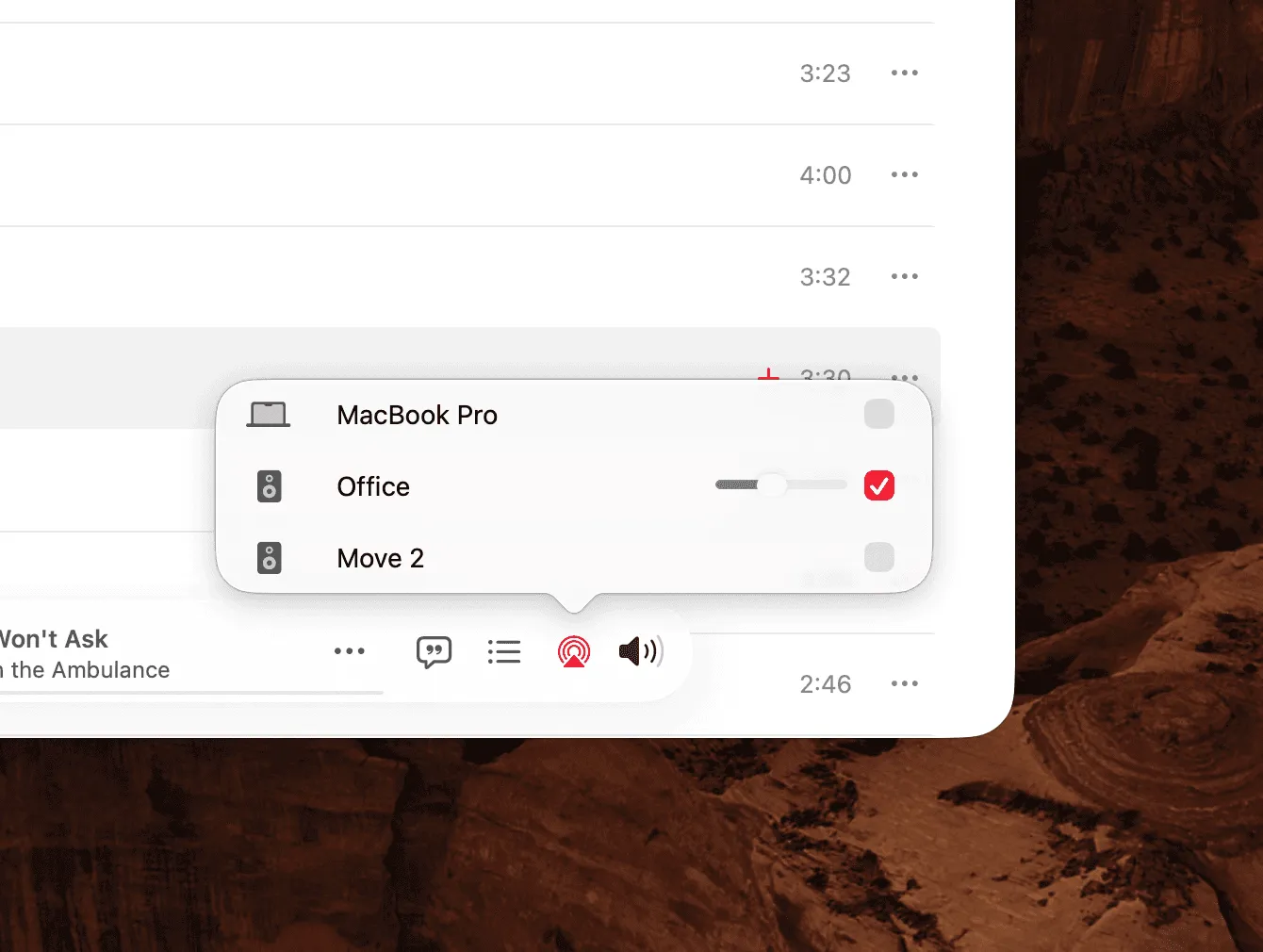
AirPlay vs. Sonos on Mac
AirPlay links your Mac's system volume to your speakers and adds at least 2 seconds of latency. Menu Bar Controller uses Sonos's own protocol: no delay, no linked volume.
Read the Guide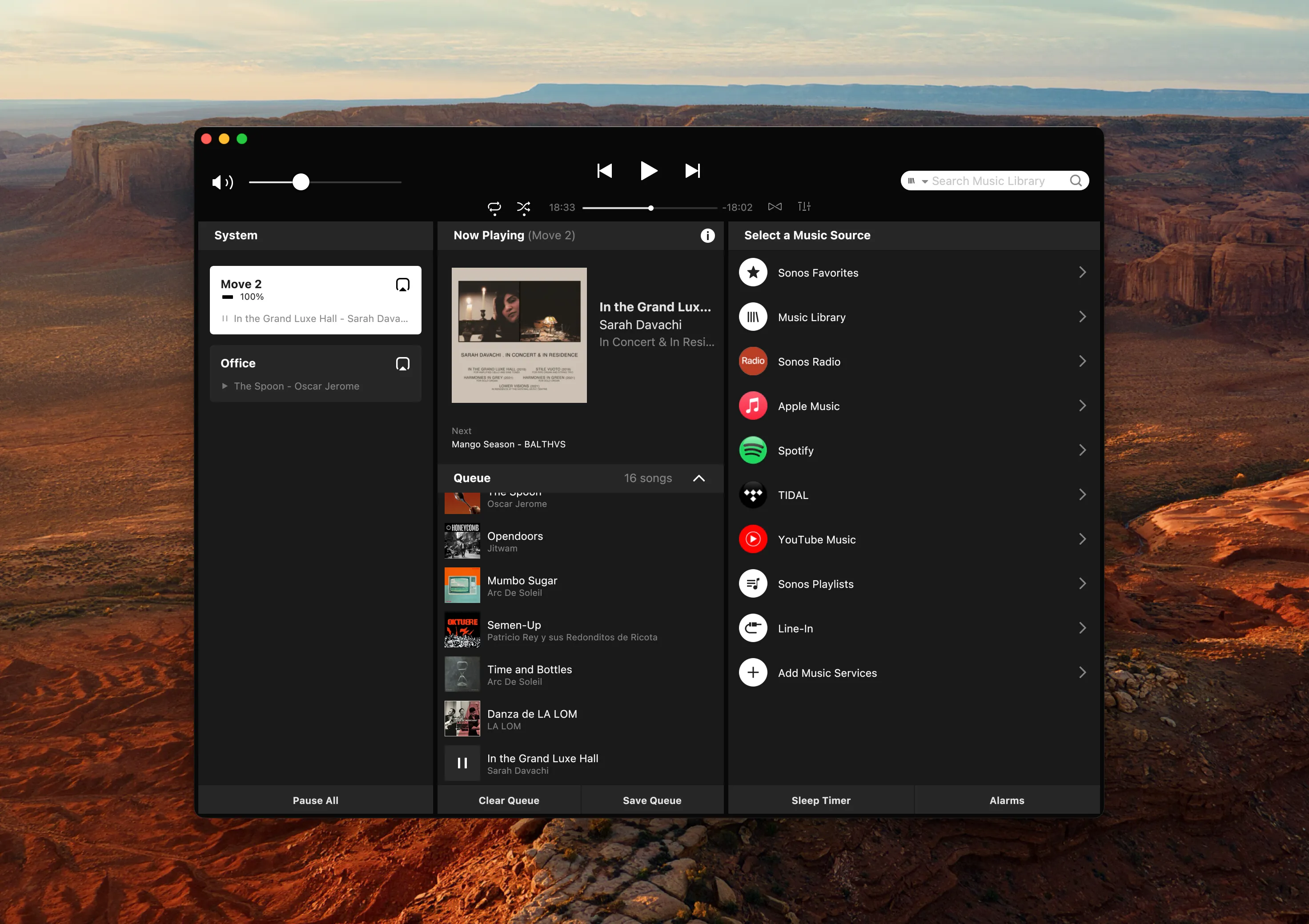
The Sonos App Opens the Wrong Room
Music plays in one room and the app opens on another. Why the right room is a hard guess, and the MBC setting that makes it follow whatever is playing.
Read the Guide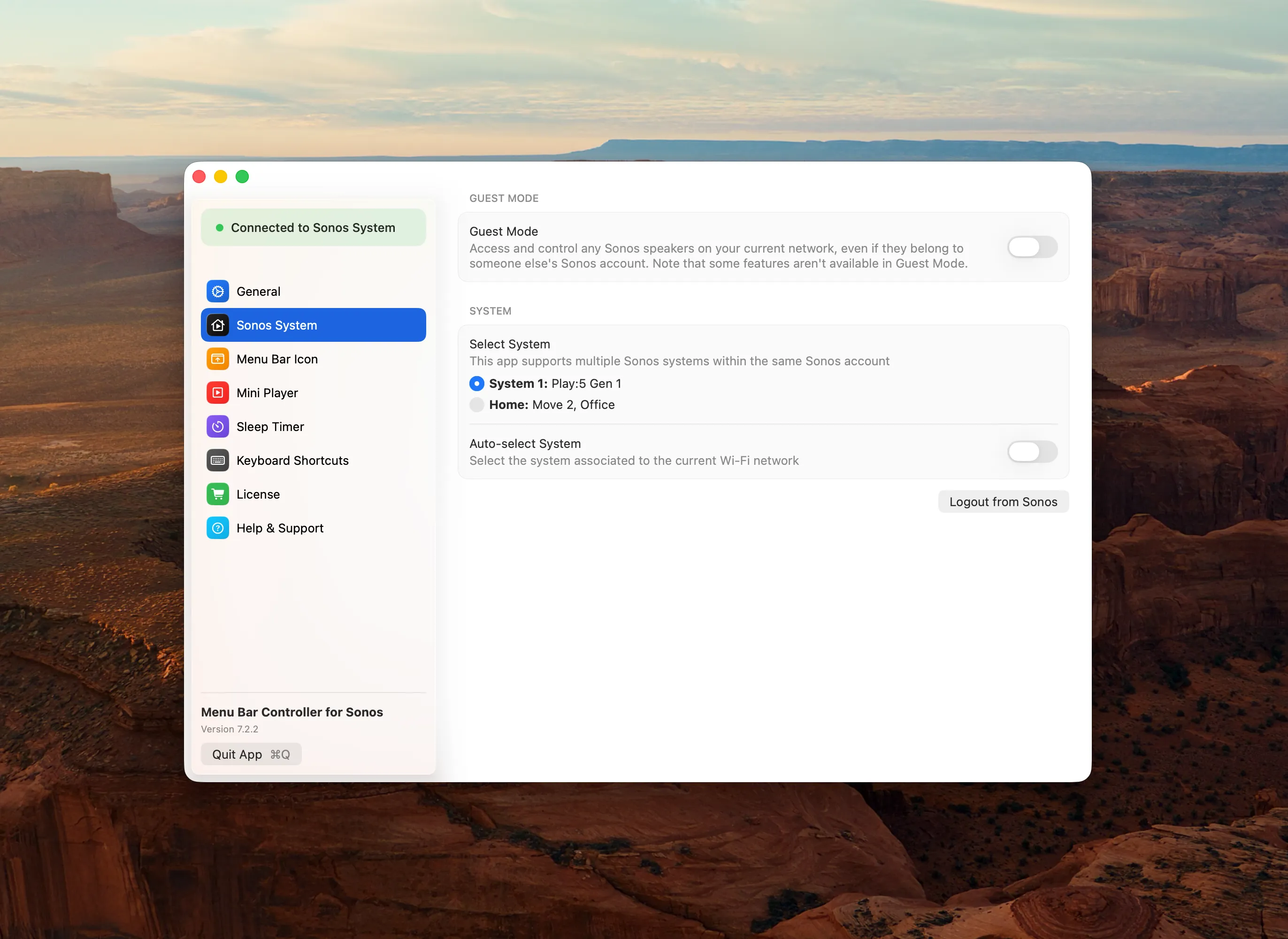
Sonos S1 and S2 in One App
Two Sonos systems, no shared rooms, and an S1 controller app that stopped where macOS 10.11 did. What the 2020 split locked in place, and how one Mac app covers both systems where Sonos hands you two.
Read the Guide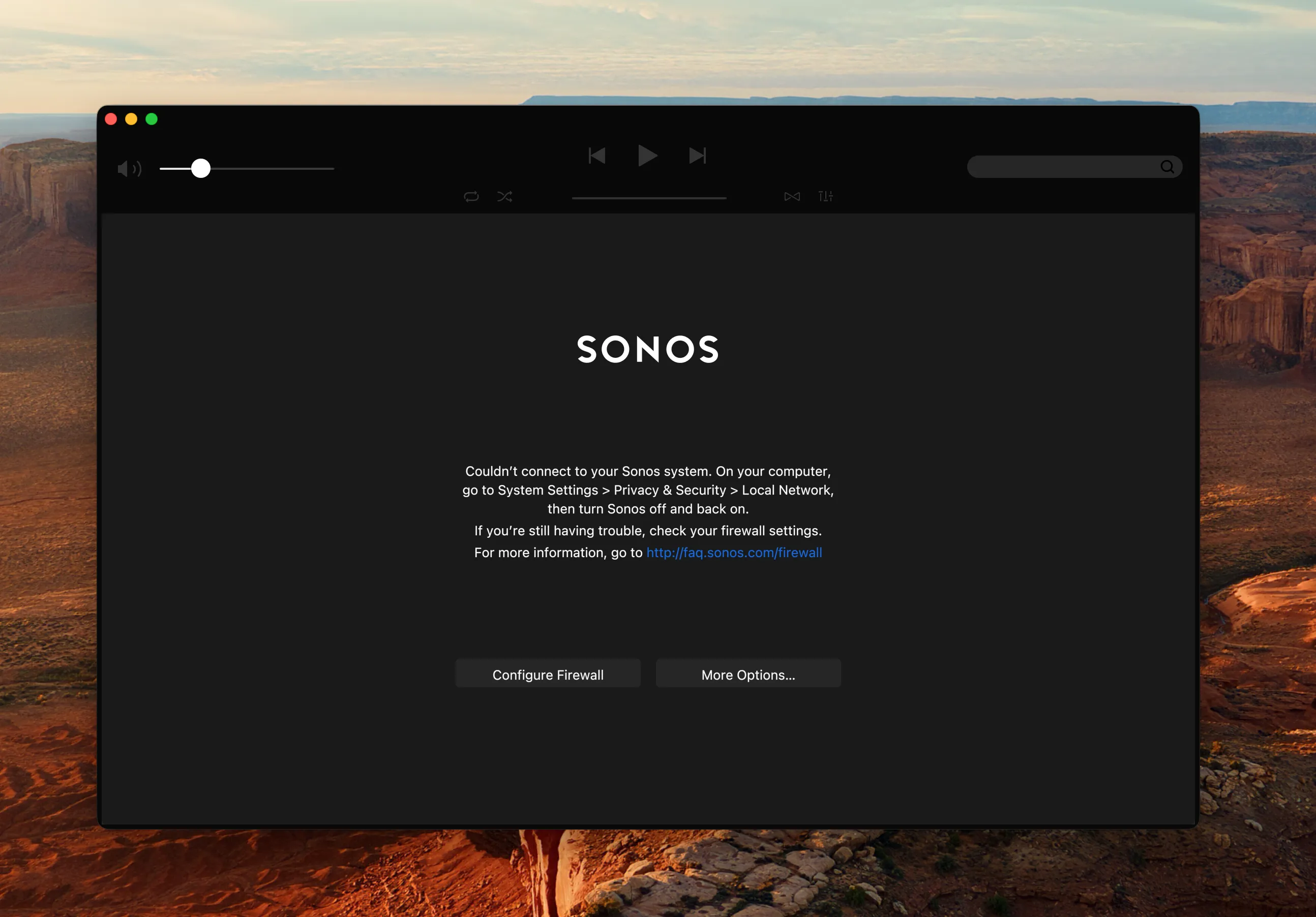
Sonos App Not Working on Mac?
It won't open, or it opens and your speakers are gone. Work through the causes in the order that actually finds the problem, from the one-toggle fix to the network split nobody thinks to check.
Read the Guide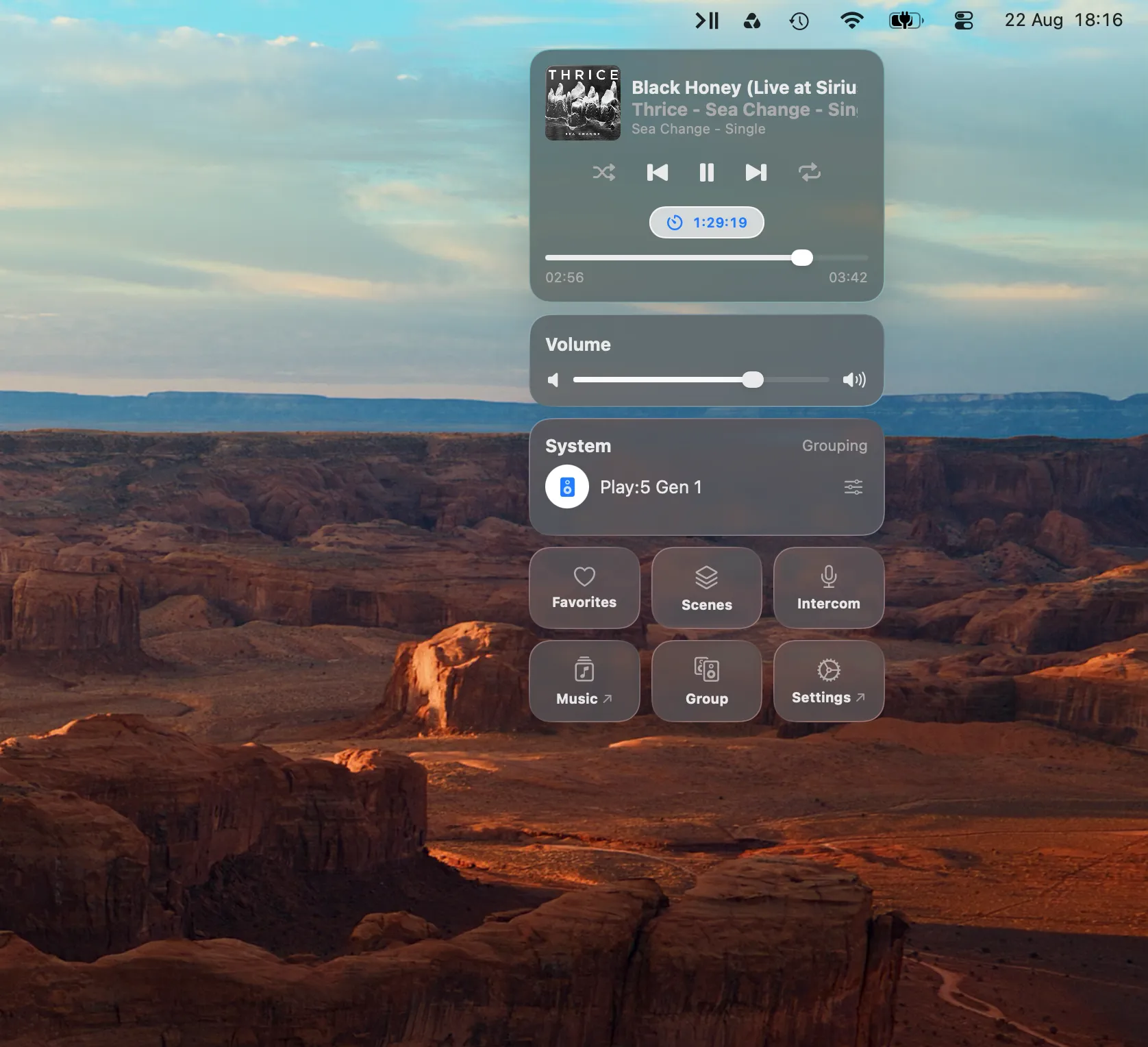
The Sonos Sleep Timer on Mac
Pick a duration, watch it count down, cancel it if you change your mind. It keeps running after you close the lid, because it is not running on your Mac.
Read the Guide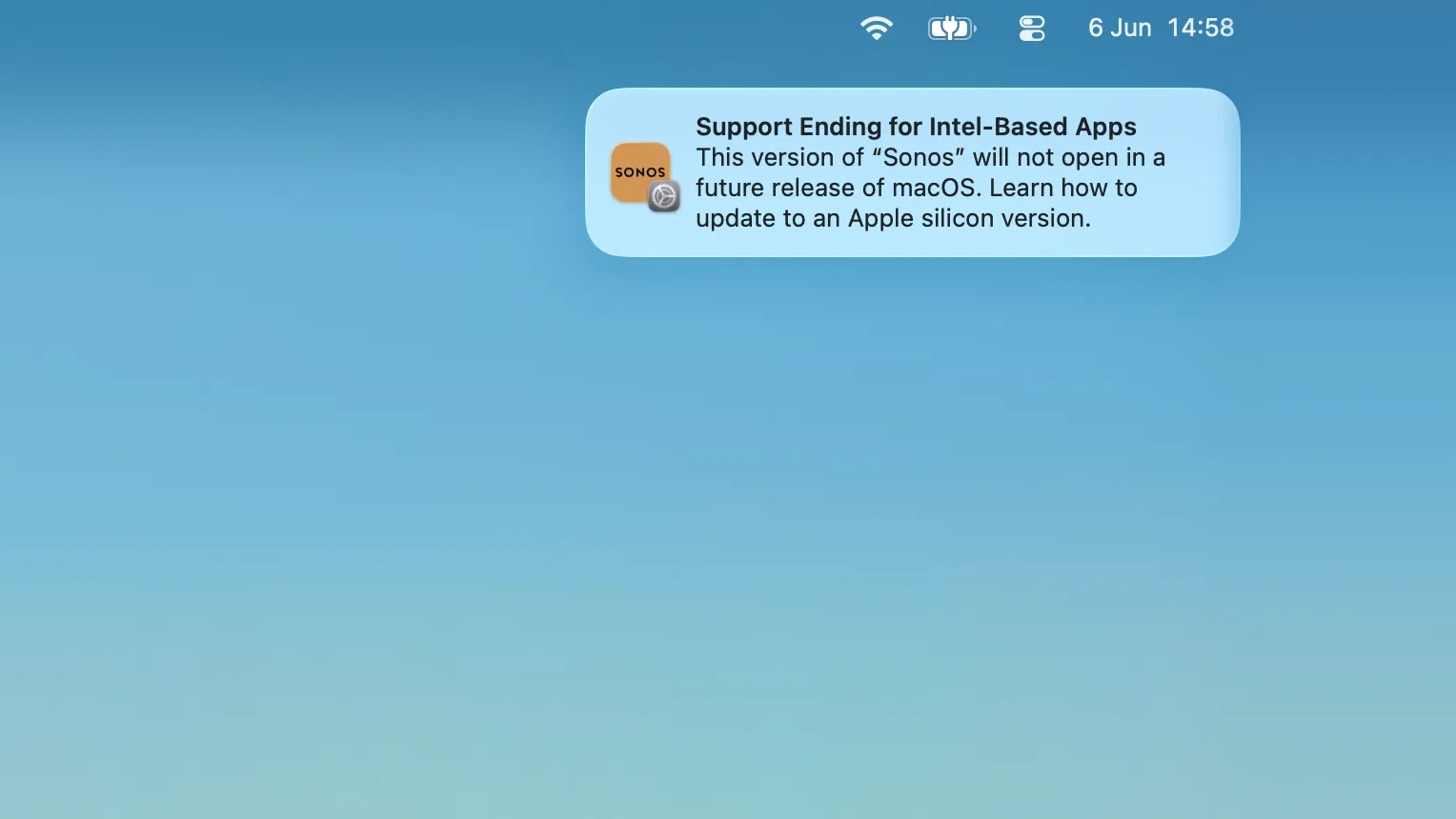
Sonos and macOS 27
The upgrade quietly removes Rosetta, and the Sonos desktop app stops launching until you put it back. What to expect on upgrade day, the one-minute fix, and how long it keeps working.
Read the Guide#1 third-party Sonos app for Mac
Meet Menu Bar Controller for Sonos
Full Sonos control from your Mac's menu bar, one click away, no window switching. Every feature is free for 14 days; after that it's a one-time purchase, no subscription.