Sonos and macOS 27: What Changes on Upgrade Day
Short answer: yes, the Sonos desktop app still runs on macOS 27, but not right after the upgrade, because macOS does not restore Rosetta on the way up. Here is what happens on upgrade day, how to get the app opening again, and how long that keeps working.
3 min read
macOS 27 ships this fall, and if you control Sonos from your Mac, the question asks itself: does the desktop app still work after the upgrade?
It does, with an asterisk that lands on day one. The app does not change, and neither does macOS’s ability to run it. What changes is that the upgrade removes the one component the app depends on, and does not put it back.
What the Upgrade Actually Removes
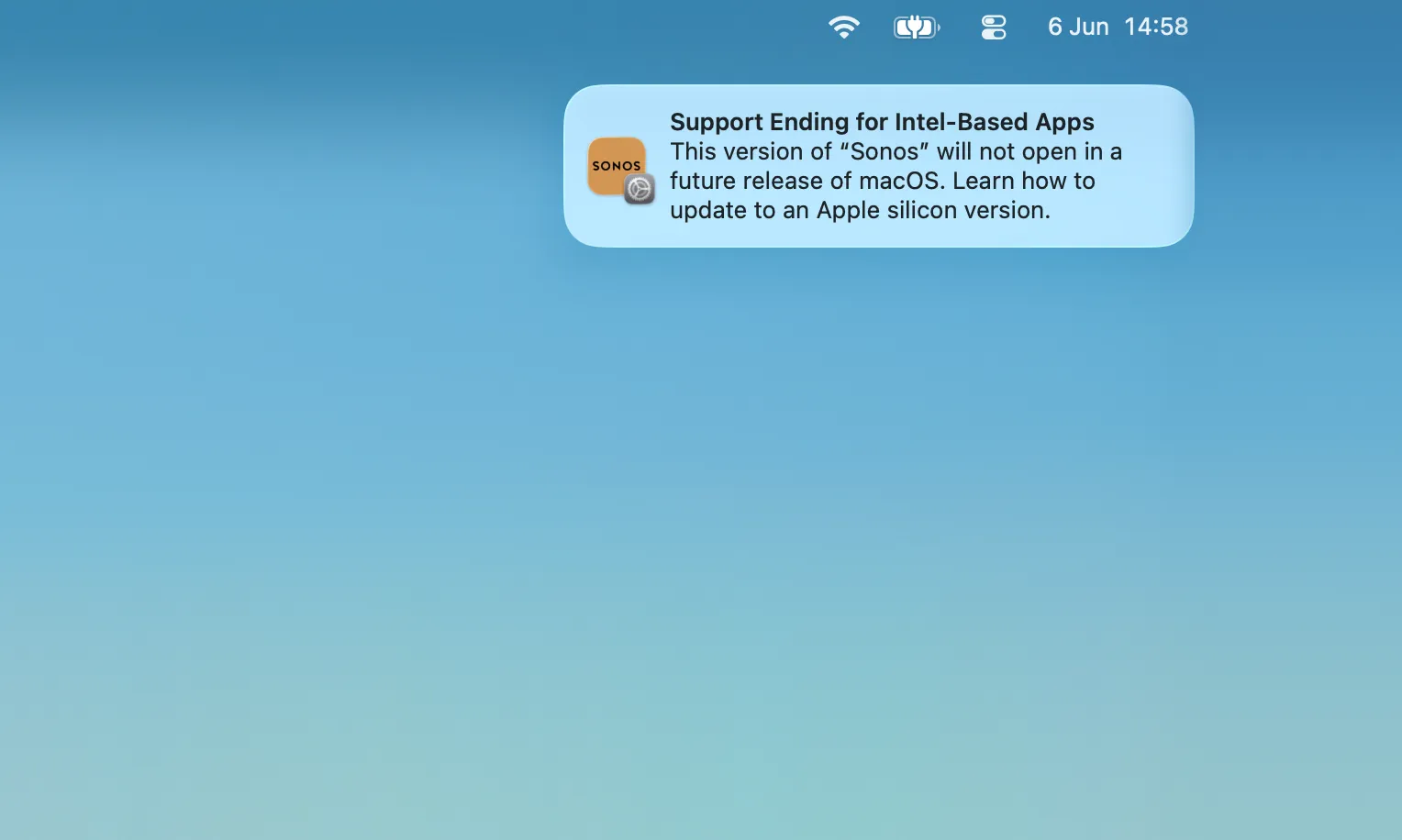
The Sonos desktop app is an Intel-only app. On Apple Silicon Macs it runs through Rosetta 2, Apple’s translation layer for Intel software. That is the same layer macOS has been warning you about on every launch since 26.4, in the notification at the top of this page:
Support Ending for Intel-based Apps
This version of “Sonos” will not open in a future release of macOS. Learn how to update to an Apple silicon version.
On macOS 27, that warning briefly becomes literal.
macOS 27 is the last release with full Rosetta support, and Apple’s release notes state the upgrade-day catch plainly: if Rosetta was installed before the upgrade, it is not automatically restored afterwards. So the first time you open the Sonos app on macOS 27, it will not launch. Nothing is broken; a component is missing.
How to Get the Sonos App Opening Again
macOS offers the fix itself the first time you open the app:
To open “Sonos”, you need to install Rosetta. Do you want to install it now?
Reinstall Rosetta after the upgrade
- Open the Sonos app normally. macOS notices it needs Rosetta and offers to install it.
- Click Install. The download is small and finishes in a moment.
- Open the app again. It runs exactly as it did on macOS 26, launch warning included.
If no prompt appears, Terminal installs it directly: softwareupdate --install-rosetta --agree-to-license. Apple documents both paths in Using Intel-based apps on a Mac with Apple silicon.
How Long That Keeps Working
One more year. macOS 27 is the end of full Rosetta support: with macOS 28, expected in the fall of 2027, the translation layer goes away and the Sonos desktop app stops opening entirely. Reinstalling Rosetta buys time; it does not change the destination. macOS names the version itself: keep using an Intel app and it posts a periodic reminder, “You recently used one app that still relies on Rosetta. Check with the developer for an Apple silicon version to ensure compatibility with macOS 28 or later.”
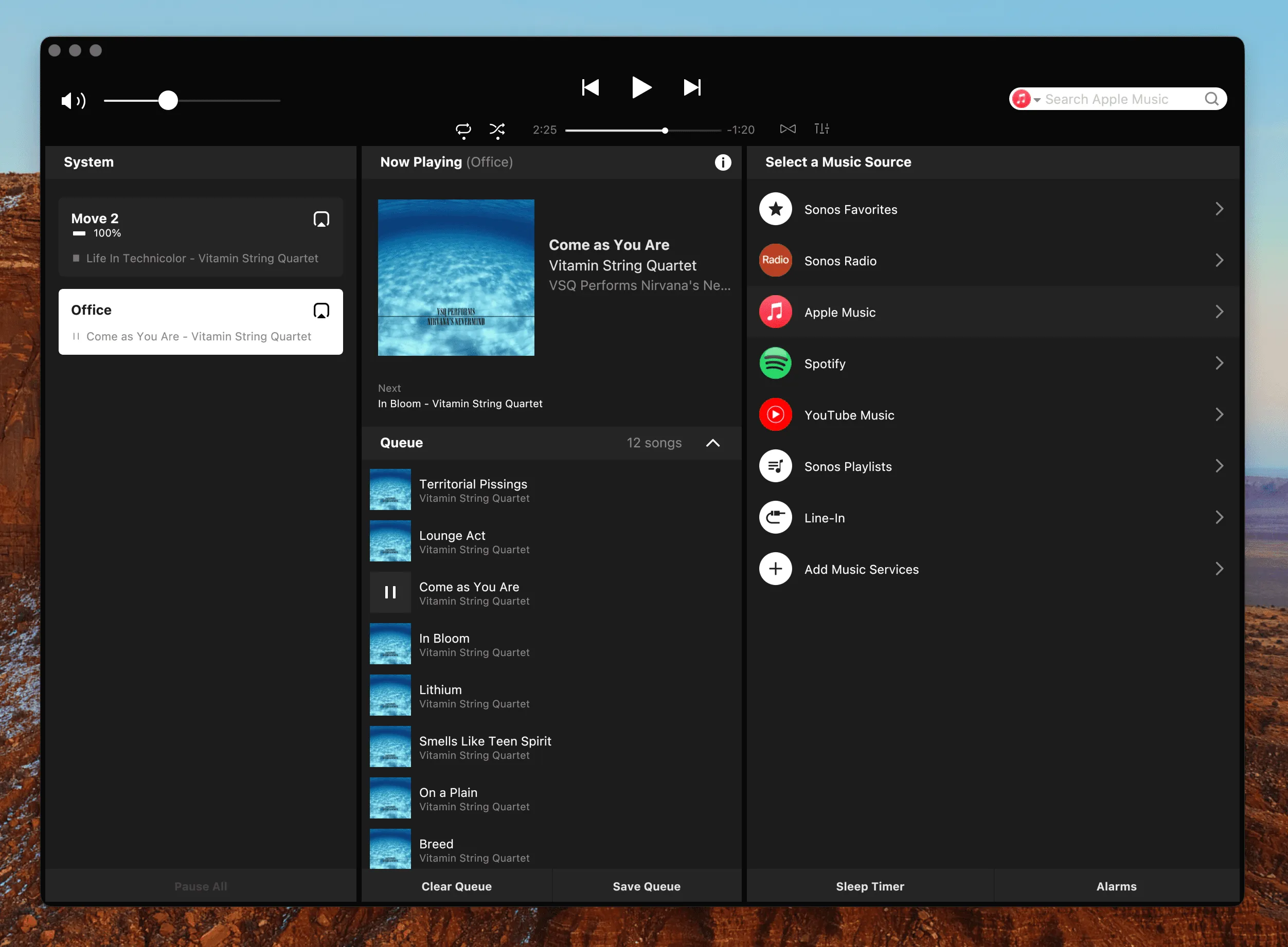
Two notes on who this applies to. On an Intel Mac the question never comes up, because macOS 27 requires Apple Silicon: Intel Macs stay on macOS 26, where the app keeps running. And if you run an S1 system, the separate S1 Controller is also an Intel-only app on exactly the same clock; more on living with S1.
What replaces the desktop app when the time comes, and how the options compare, is a guide of its own.
The Sonos Mac App Is Going Away
macOS now warns that the Sonos Mac app "will not open in a future release." What that means, when it actually breaks, and why your Mac can end up with a better Sonos app than the one it's losing.
Read the GuideThe Upgrade That Does Not Need a Fix
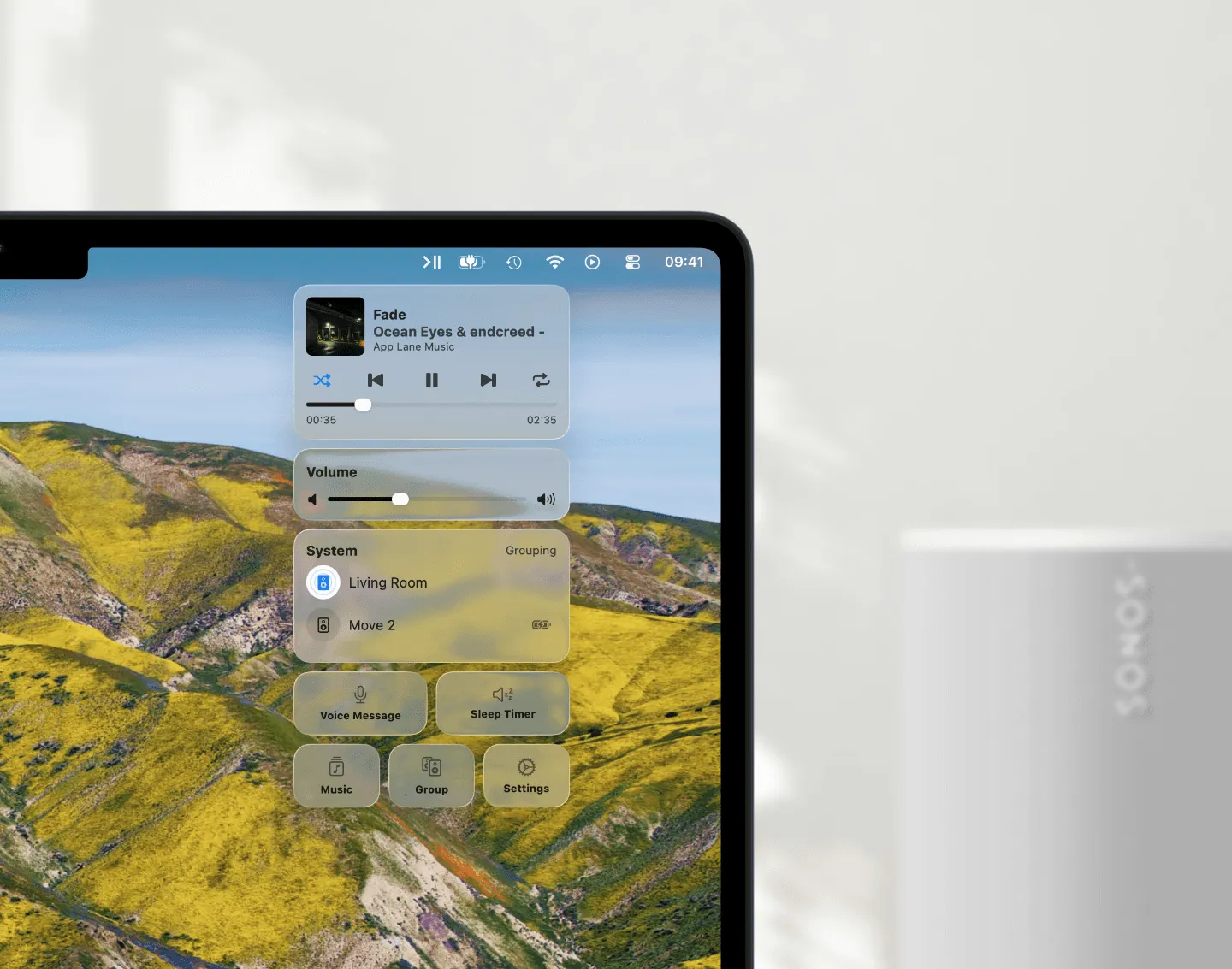
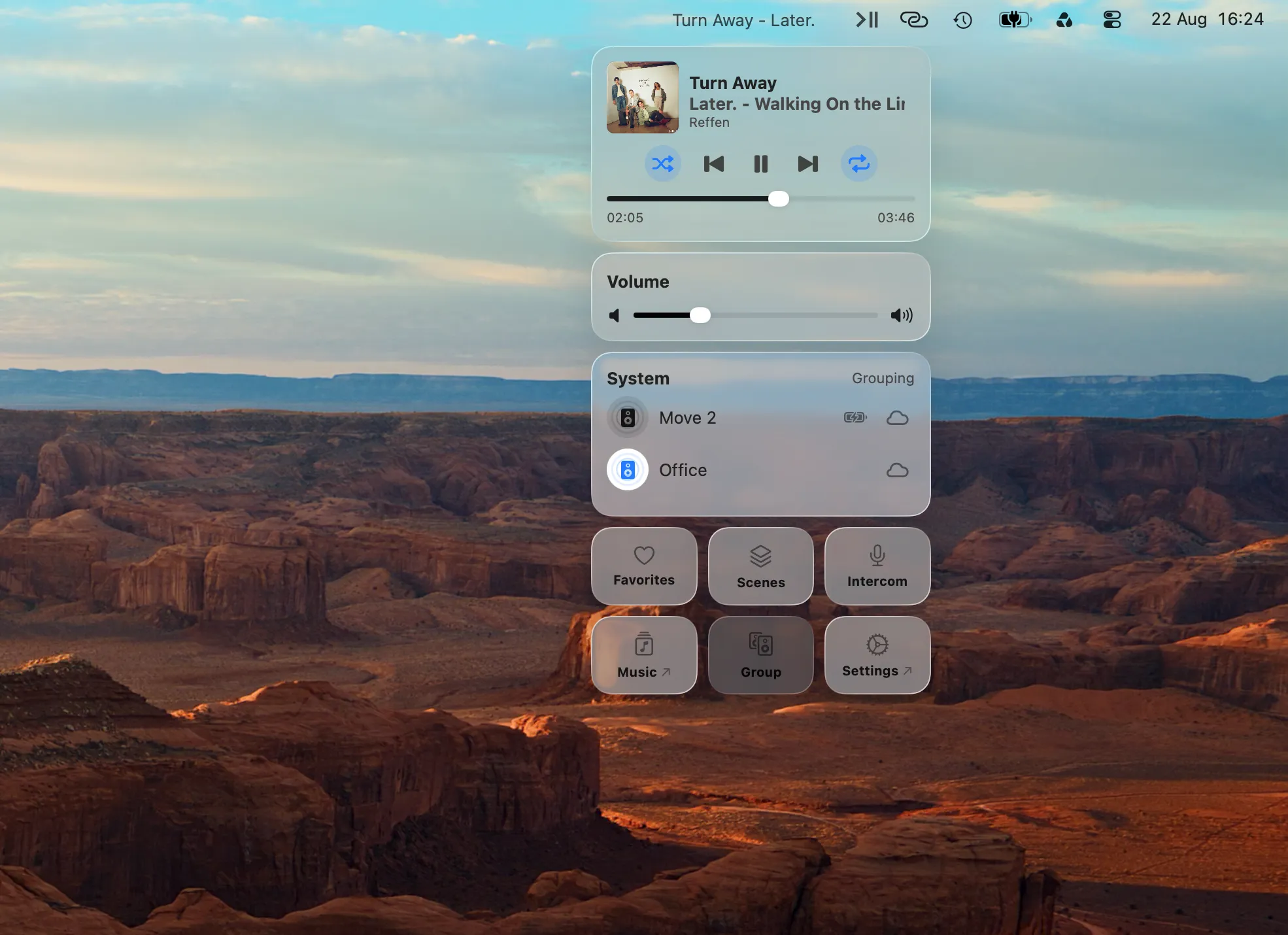
Menu Bar Controller for Sonos (MBC) is a native Mac app I build as an independent developer, and it is a universal app: it runs natively on Apple Silicon and on Intel Macs, with no Rosetta anywhere in the picture. macOS 27 is a non-event for it, and so is macOS 28.
If the reinstall ritual is the nudge that finally makes you switch, MBC puts your Sonos system in the menu bar: playback, volume, grouping and your music, one click away without leaving your current window. How to Control Sonos on a Mac covers what it does in full.
Conclusion
Will the Sonos app work on macOS 27? Yes: reinstall Rosetta once after the upgrade and you get one more year, until macOS 28 ends it. The upgrade-day surprise is only a missing component, and now you know the fix before it happens.
Try Menu Bar Controller for Sonos free for 14 days, no signup required. Available on the Mac App Store. Because your Sonos system belongs in your Mac’s menu bar.